How to set up Emergency Contacts
1. Open the Phone app and select the Contacts tab.
2. Scroll to the top and press Emergency info above your profile.
3. From there you can add emergency contacts as well as Medical info that will be accessible by anyone from the lock screen.
How to access Emergency Info
To access while device is locked, wake the display, swipe to enter lock screen input and select Emergency call button.
For Samsung Android phones
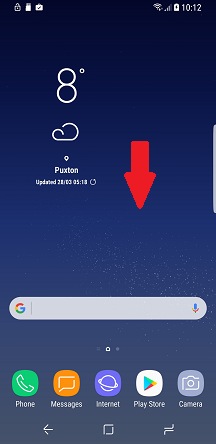
1. From the home screen, swipe the screen to bring up your apps.
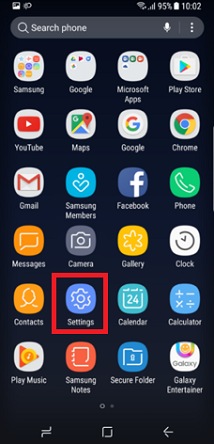
2. Choose Settings.
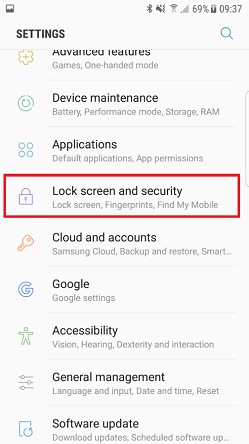
3. Choose Lock screen and security.
4. Choose Info and app shortcuts.

5. Choose Owner information.

6. Add the necessary information and choose Done.


